Unlock the secrets to crafting eye-catching Roblox thumbnails that drive engagement and attract players to your game experiences. In the dynamic world of Roblox creation, where countless games compete for attention, a compelling thumbnail is no longer just an option it is a necessity for discovery and growth. This comprehensive guide, tailored for busy US gamers and creators, navigates you through the essential tools, design principles, and optimization strategies required to elevate your game's visibility. Learn how to leverage free software, capture stunning in-game moments, and apply 2026 SEO best practices to ensure your game stands out amidst the bustling Roblox metaverse. Whether you are aiming for relaxation, skill-building, or social play within your creations, mastering thumbnail design is a critical step towards success. Discover practical solutions for common challenges and maximize your creative potential, ensuring your hard work gets the recognition it deserves in the ever-evolving gaming landscape.
How to make a thumbnail on Roblox easily for beginners?
For beginners learning how to make a thumbnail on Roblox, start with free tools like Roblox Studio for high-quality screenshots and Photopea or GIMP for editing. Focus on capturing a clear, engaging in-game scene that represents your game. Add minimal, readable text like your game title. Keep it simple and vibrant to attract players quickly without needing advanced design skills.
What are the best free tools for Roblox thumbnail creation?
The best free tools for Roblox thumbnail creation include Roblox Studio for capturing scenes, Photopea or GIMP for advanced image editing, and Canva for quick text overlays and graphic design. Blender is an excellent free option for 3D GFX renders, but it requires more learning. These tools provide professional-level features without any cost, perfect for budget-conscious creators.
Why is a good Roblox game thumbnail important for attracting players?
A good Roblox game thumbnail is critical for attracting players because it's the very first visual impression your game makes. In a crowded marketplace, a captivating, high-quality thumbnail grabs attention, communicates your game's genre and quality, and persuades potential players to click and explore further. It directly influences your game's visibility and click-through rate, essential for growth.
Can I use my own custom characters in Roblox thumbnails?
Yes, absolutely! Using your own custom characters or popular in-game models in your Roblox thumbnails is highly recommended. It adds a unique, personal touch and can make your game more recognizable and appealing. You can pose them in Roblox Studio or export them to a 3D software like Blender for advanced rendering and dynamic scenes, enhancing your game's brand.
How do I optimize my Roblox thumbnail for mobile users?
To optimize your Roblox thumbnail for mobile users, design with clarity and simplicity in mind, ensuring key elements and text are legible even on small screens. Use high contrast colors and bold, clean fonts. Test your thumbnail on a smartphone to confirm readability and impact. A mobile-friendly design is crucial given the high percentage of US gamers playing on mobile devices.
What makes a Roblox thumbnail stand out from the rest?
A Roblox thumbnail stands out by having high visual quality, clear focus, engaging composition, and honest representation of the game. Using vibrant colors, dynamic character poses, and clean, legible text that highlights key features will catch a player's eye. Avoiding clutter and ensuring it accurately reflects your unique gameplay experience will make it memorable and impactful.
Are there any common mistakes to avoid when designing Roblox thumbnails?
Yes, common mistakes to avoid when designing Roblox thumbnails include using low-resolution images, overcrowding the canvas with too many elements, creating misleading or clickbait visuals, and using unreadable text. These issues can deter players and harm your game's reputation. Focus on clarity, quality, and authenticity to create an effective and appealing thumbnail that resonates with your target audience.
Hey fellow gamers and creators, ever poured countless hours into building an incredible Roblox experience, only to see it buried in search results? You're not alone. In today's incredibly vibrant and competitive Roblox universe, where a staggering 87% of US gamers regularly engage and spend an average of 10+ hours a week, and mobile gaming continues its dominance, a killer game thumbnail isn't just a nice-to-have; it's an absolute necessity for discovery. We, the busy adults who game to unwind after work, connect with friends, or even build something amazing, understand that time is precious. You want solutions that are practical, effective, and don't require a graphic design degree or a massive budget. This guide is built specifically for you, providing actionable insights on how to make a thumbnail on Roblox that truly pops, attracts players, and gives your game the spotlight it deserves. Forget the hype and focus on what truly works in 2026 to optimize your creations, balance your passion with life, and achieve tangible results.
We know the pain points: wanting to stand out but not having endless hours to learn complex software, or struggling to capture that perfect in-game moment. This article cuts through the noise, offering clear, step-by-step advice on transforming your game's visual identity. We'll explore free tools, proven design principles, and smart strategies to ensure your Roblox thumbnail acts as a powerful magnet, drawing in players who appreciate quality and a great gaming experience. Let's dive in and elevate your Roblox presence together!
Why are Roblox Thumbnails So Crucial for Game Success?
In the expansive and ever-growing Roblox platform, thumbnails are your game's digital storefront window. They are the very first visual interaction potential players have with your creation, often dictating whether they click to learn more or scroll past. Think of it like a book cover; it has to capture attention instantly and convey the essence of what's inside. For creators balancing life and gaming, an optimized thumbnail means less time spent promoting and more time seeing organic growth. A strong thumbnail communicates genre, quality, and unique selling points in a fraction of a second. With millions of games available, a captivating image helps cut through the noise, making your game discoverable and improving your click-through rate significantly. It's a key factor in achieving both short-term player acquisition and long-term community building.
What Tools Do I Need to Create a Professional Roblox Thumbnail?
You might think you need expensive software, but that's not the case. For most creators, especially those on a budget or with limited time, powerful free tools are readily available. The essentials include Roblox Studio itself for capturing high-quality in-game screenshots, a good image editing software, and optionally, a 3D rendering program for advanced GFX. Popular free options include GIMP or Photopea for robust image editing – they offer similar functionalities to Photoshop without the cost. For those looking into basic 3D rendering for custom characters or scenes, Blender is a fantastic free and open-source solution, though it has a steeper learning curve. Even simple online editors like Canva can be used for text overlays and basic graphic elements. The key is to choose tools you're comfortable with and can use efficiently, rather than being overwhelmed by features you won't use.
How Do I Capture the Perfect In-Game Screenshot for My Thumbnail?
Capturing the right moment within your game is foundational to a great thumbnail. This isn't just about pressing 'Print Screen'. It involves careful staging and lighting. First, launch your game in Roblox Studio and use the 'Play Solo' mode. Position your camera to highlight the most exciting, unique, or representative aspect of your game. Focus on action shots, character poses, or impressive builds. Utilize Roblox Studio's built-in 'Game Explorer' to adjust lighting and environmental effects to make your scene pop. Disable the UI (User Interface) for a clean shot. When you're ready, use the 'Screenshot' tool (found under the 'View' tab, typically 'Game View' settings or simply press F9 and type 'screenshot') or a high-resolution screen capture software like OBS Studio for maximum quality. Remember, clarity and composition are paramount for captivating busy gamers.
What Are the Key Design Principles for Eye-Catching Roblox Thumbnails?
Effective thumbnail design follows several universal principles that resonate with gamers. First, **Clarity**: Your thumbnail should be clear and easy to understand, even at a small size. Avoid clutter. Second, **Contrast**: Use contrasting colors to make key elements stand out. High contrast grabs attention. Third, **Composition**: Apply the rule of thirds, placing important elements off-center for a more dynamic look. Focus on a clear focal point. Fourth, **Readability**: If you use text, make it short, bold, and easily readable with a clean font. Avoid long phrases. Fifth, **Relevance**: The thumbnail must accurately represent your game's genre and gameplay; misleading images lead to disappointment and lower retention. Finally, **Brand Identity**: If you have a consistent style for your games, maintain it in your thumbnails for recognizability. Remember, US gamers, on average 36 years old, appreciate clear, direct visuals over confusing, flashy ones.
How Can I Add Engaging Text and Graphics to My Thumbnail?
Once you have your base screenshot, it's time to enhance it with text and graphics using your chosen image editor. Text should be used sparingly, primarily for the game title or a short, impactful slogan (e.g., 'NEW MAP!', 'MEGA OBBY!'). Choose a font that matches your game's aesthetic and is easy to read. Use an outline or shadow effect to make text pop against varying backgrounds. For graphics, consider adding game logos, character cutouts, or simple visual cues that reinforce your game's theme. Many creators use subtle arrows or glow effects to guide the viewer's eye towards the most important part of the thumbnail. Remember, less is often more. Overly busy thumbnails can deter players. Focus on one or two strong elements that convey excitement and quality. This helps busy gamers quickly grasp what your game is about, crucial for those 10+ hours a week of gaming.
What are Common Mistakes to Avoid When Making Roblox Thumbnails?
Even seasoned creators can fall into common thumbnail traps. A major pitfall is **low resolution or pixelated images**, which immediately signal low effort. Always aim for high-definition captures. Another mistake is **overcrowding the thumbnail** with too many elements, making it visually confusing. Keep it simple and focused. **Irrelevant or clickbait images** that don't represent the actual game experience will lead to frustrated players and high bounce rates. Avoid these at all costs. **Unreadable text** due to poor font choice, small size, or lack of contrast is another common error. Finally, **failing to update thumbnails** when your game significantly changes can make your game appear outdated. Regularly review and refresh your thumbnails to reflect current gameplay and trends, especially with Roblox's constantly evolving meta.
How Can I Optimize My Roblox Thumbnail for Different Devices?
With mobile gaming dominating the US market, ensuring your thumbnail looks great on various screen sizes is critical. Design with the smallest screens in mind. This means ensuring your main focal point and any essential text are prominent and legible even when the thumbnail is shrunk down. Test your thumbnail by viewing it on a phone, tablet, and desktop browser. Does the text remain readable? Are the key details still visible? Avoid intricate details that get lost on small screens. High contrast colors and bold, simple fonts are your best friends here. Roblox automatically scales thumbnails, but a design that considers different aspect ratios and resolutions from the start will always perform better, reaching the widest possible audience of social, mobile-first gamers.
What Recent Trends Influence Effective Roblox Thumbnail Design in 2026?
In 2026, several trends are shaping effective Roblox thumbnail design. **Authenticity and transparency** are key; gamers are wary of clickbait, so honest representation of gameplay is crucial. **UGC (User-Generated Content) and creator influence** mean that thumbnails featuring popular in-game items, characters, or even recognizable streamers can boost visibility. **Social and cozy gaming themes** are still huge, so thumbnails that evoke community, collaboration, or relaxed gameplay resonate well. **High-quality GFX (Graphics Effects)** and polished renders are becoming standard, raising the bar for visual appeal. Mobile optimization is no longer optional; it's a primary design consideration. Finally, **seasonal events and timely updates** reflected in thumbnails can generate immediate interest, tapping into the desire for new content and staying current without succumbing to constant hype. Keep an eye on popular experiences and adapt successful elements to your unique style.
Conclusion
Mastering how to make a thumbnail on Roblox is a vital skill for any creator serious about their game's success. It's about more than just a pretty picture; it's strategic marketing that captures attention, communicates value, and drives player engagement in a crowded digital landscape. By leveraging free tools, applying sound design principles, and avoiding common pitfalls, you can create thumbnails that effectively showcase your hard work and attract the right audience. Remember, your thumbnail is your game's first impression – make it count! Keep iterating, learning from what works, and most importantly, keep creating amazing experiences.
What's your biggest challenge in getting your Roblox game noticed? Comment below and share your thoughts!
FAQ Section
Q: Can I use copyrighted images in my Roblox thumbnail?
A: No, absolutely not. Using copyrighted images or intellectual property that you do not own can lead to your thumbnail being taken down, and potentially further action against your game or account. Always use original content or assets you have explicit permission to use.
Q: How often should I update my Roblox game thumbnail?
A: You should update your thumbnail whenever you release a major game update, add significant new features, or when the game's core experience changes. It's also a good idea to refresh it periodically (e.g., every 3-6 months) to stay current with design trends and keep your game looking fresh.
Q: What are the recommended dimensions for Roblox thumbnails?
A: Roblox typically scales thumbnails to an aspect ratio of 16:9. A common and recommended resolution is 1920x1080 pixels. This ensures high quality across various devices and platforms. Always aim for a high-resolution image to avoid pixelation.
Q: Do animated thumbnails perform better on Roblox?
A: While Roblox allows for video thumbnails (game trailers), standard static image thumbnails are still the most common and effective. A well-designed static image can be just as impactful as an animated one, especially for quick visibility. Video thumbnails are great for showcasing gameplay depth but require more production effort.
Q: Is it worth paying for a professional Roblox GFX artist?
A: If you have the budget and lack the time or skills, investing in a professional GFX artist can be a very worthwhile expenditure. A high-quality, professionally designed thumbnail can significantly boost your game's visibility and attract more players, providing a strong return on investment for serious creators.
Q: How do I upload my custom thumbnail to Roblox?
A: To upload your custom thumbnail, go to your game's page on the Roblox website, navigate to 'Configure Place' or 'Configure Game', then select 'Thumbnails' or 'Images'. You can then upload your prepared image file. Ensure it meets Roblox's content guidelines and dimension requirements.
Roblox thumbnail creation, game promotion, design tools, in-game capture, GFX best practices, audience engagement, optimization strategies, free software, community trends, player retention.
35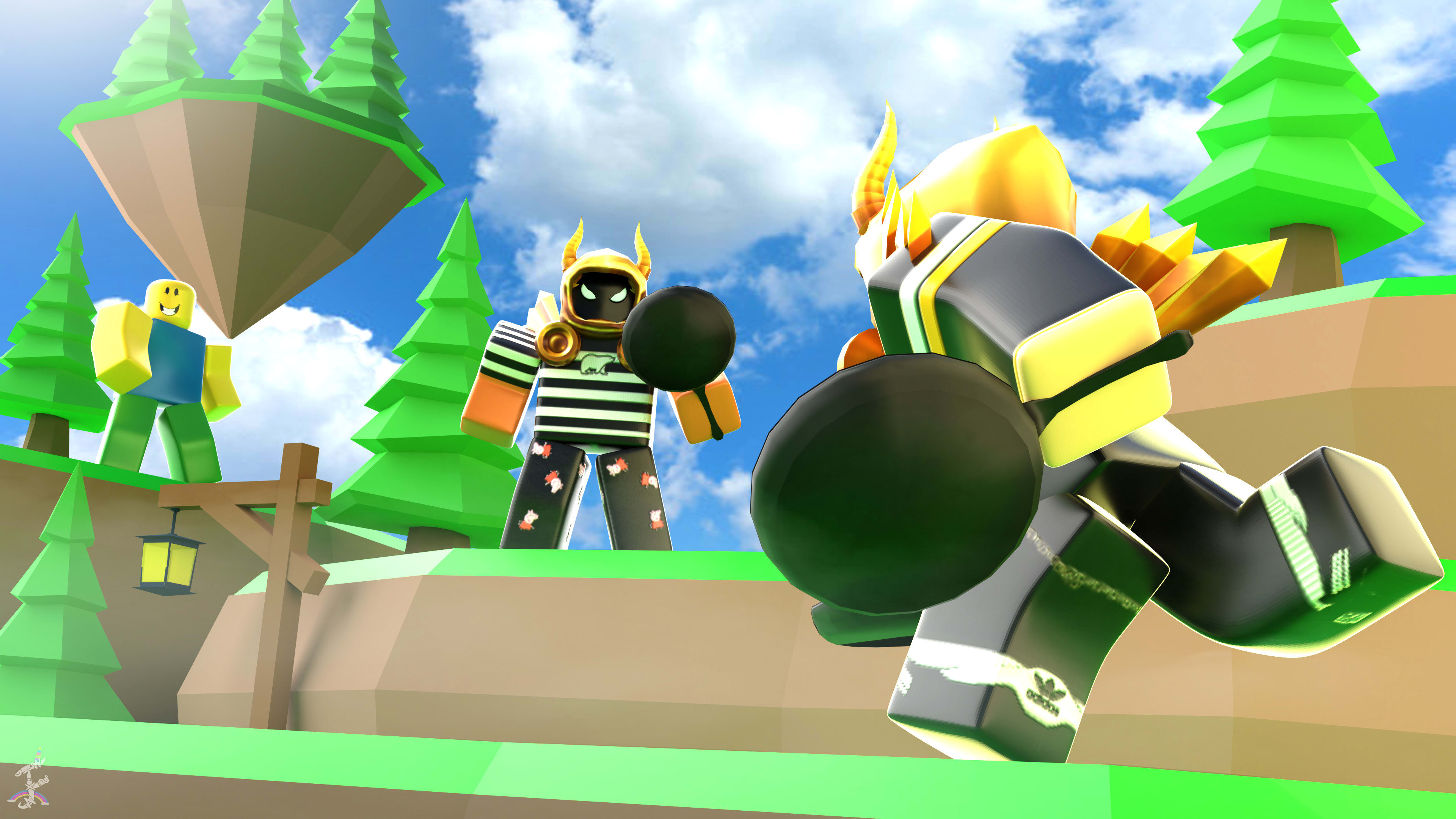
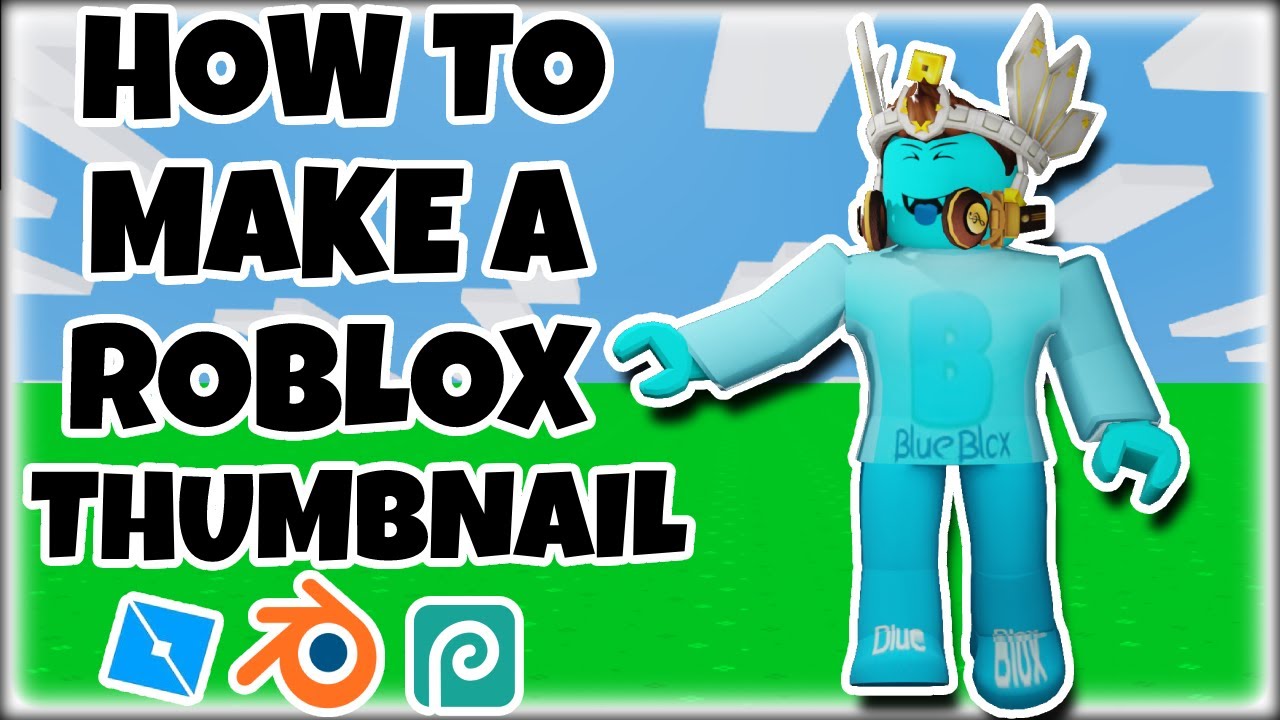
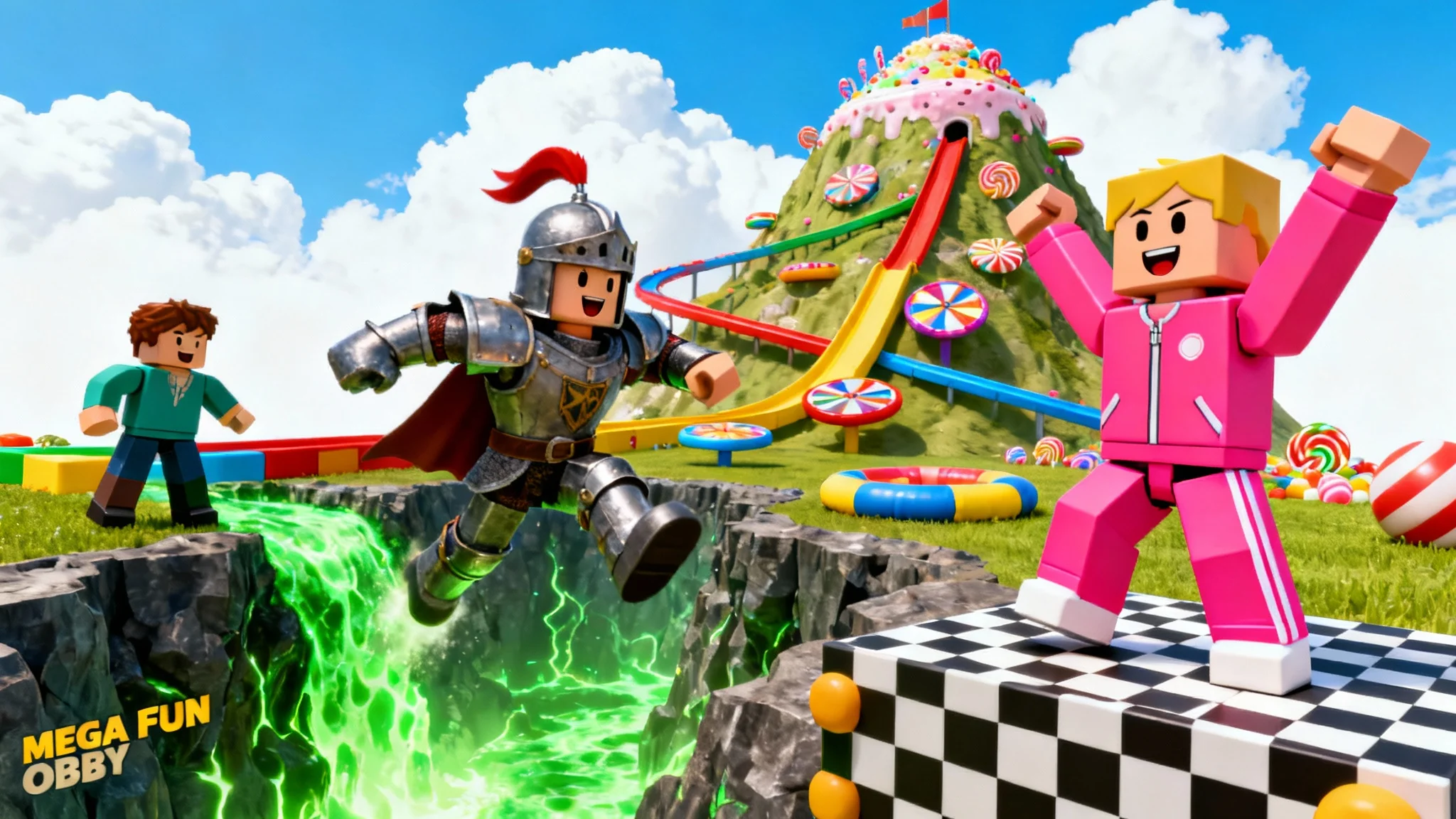

Thumbnail Drawings Make You A Roblox Game Thumbnail . How To Make A ROBLOX Thumbnail Roblox Studio Blender Photopea . Free Roblox Thumbnail Generator Create Roblox Thumbnails With AI E7872de0 Bce9 428d 9cd5 Selling Point 4. How To Make Roblox Thumbnails In Roblox Studio YouTube . Top Roblox Thumbnail Trends Attracting Players In 2026 FP



How To Make A Roblox Thumbnail Roblox Studio Tutorial YouTube . How I MAKE My THUMBNAILS Official Thumbnail Tutorial Roblox . ULTIMATE GUIDE On How To Make Roblox Thumbnails YouTube . How To Make Forsaken Thumbnails In Roblox YouTube . Crafting Beautiful Roblox Thumbnails For Success An Essential Guide Roblox Thumbnail Makers 7


How To Make VIRAL Roblox Thumbnails Complete Roblox Thumbnail . How To Make Roblox Thumbnails YouTube . How To Make A Roblox Thumbnail For Youtube Using Photoshop YouTube . How To Make A Roblox Thumbnail PART 2 YouTube . How To Make Roblox Thumbnails On Canva YouTube



How To Make A Thumbnail For Your Roblox Game Beginners Roblox Studio . How To Make A Roblox Thumbnail In Paint Net Roblox Video Tutorials . How To Make A Roblox Thumbnail Step By Step Photoshop Tutorial YouTube . How To Create Your Own Roblox Thumbnail And How To Upload It YouTube . HOW TO MAKE A ROBLOX THUMBNAIL FOR FREE NO BLENDER YouTube




How To Make A Roblox Thumbnail YouTube . How To Make Roblox THUMBNAILS YouTube . How To Make GOOD ROBLOX THUMBNAILS On PHOTOSHOP In 2022 YouTube . How To Make A Good Roblox Thumbnail Better Audio Thumbnails In 4K . How To Create Stunning Thumbnails With Roblox Thumbnail Maker Roblox Thumbnail Makers 12

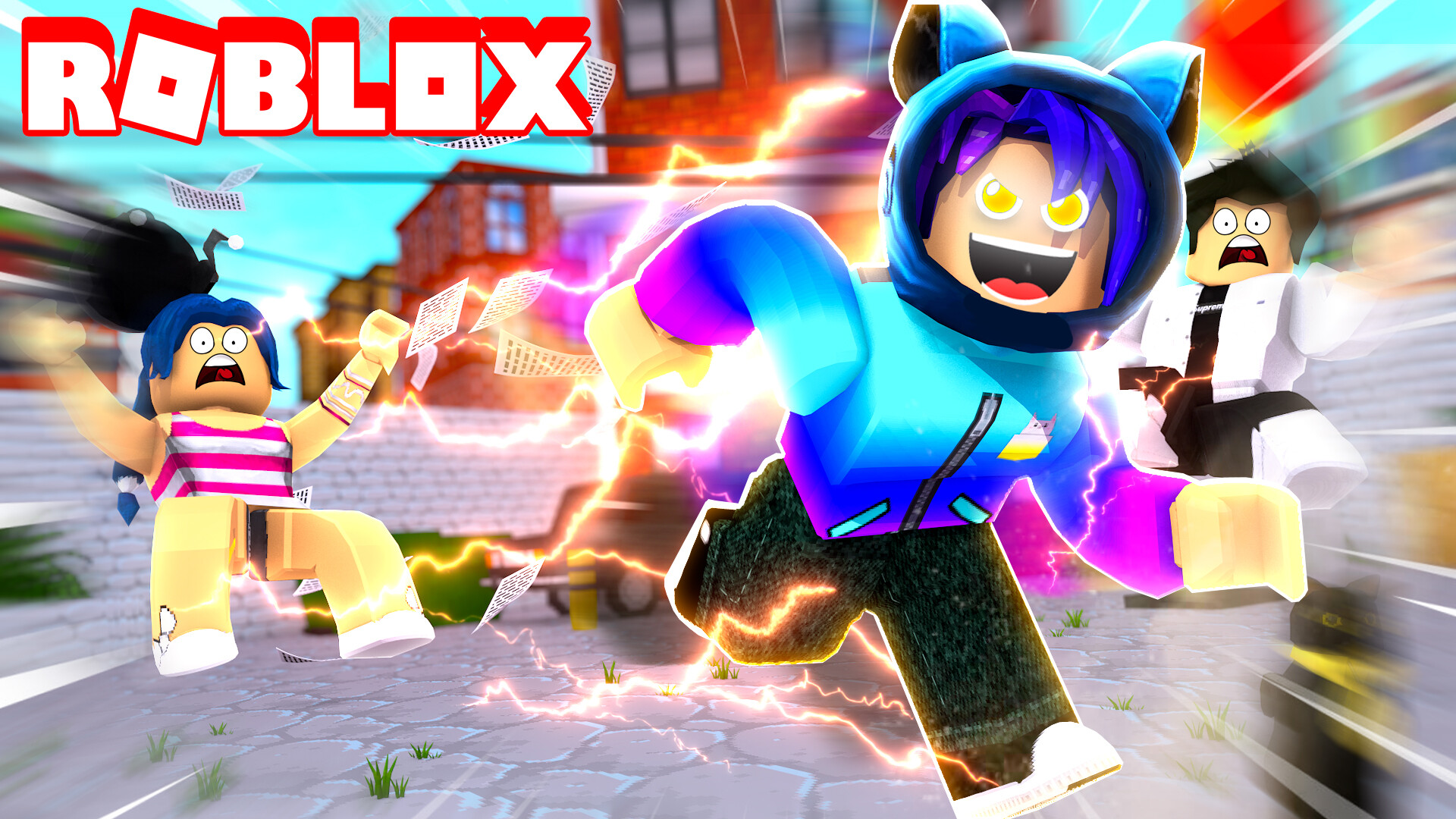


How To Make A ROBLOX THUMBNAIL 2022 YouTube . How To Make Good Roblox Thumbnails 2025 2026 NO BLENDER YouTube . Roblox Thumbnail Template Vitor Andrade Dashing Simulator . HOW TO MAKE A ROBLOX THUMBNAIL EASY ALL DEVICES YouTube . Roblox 2026 Logo REVEALED New Color New Look YouTube Maxres2


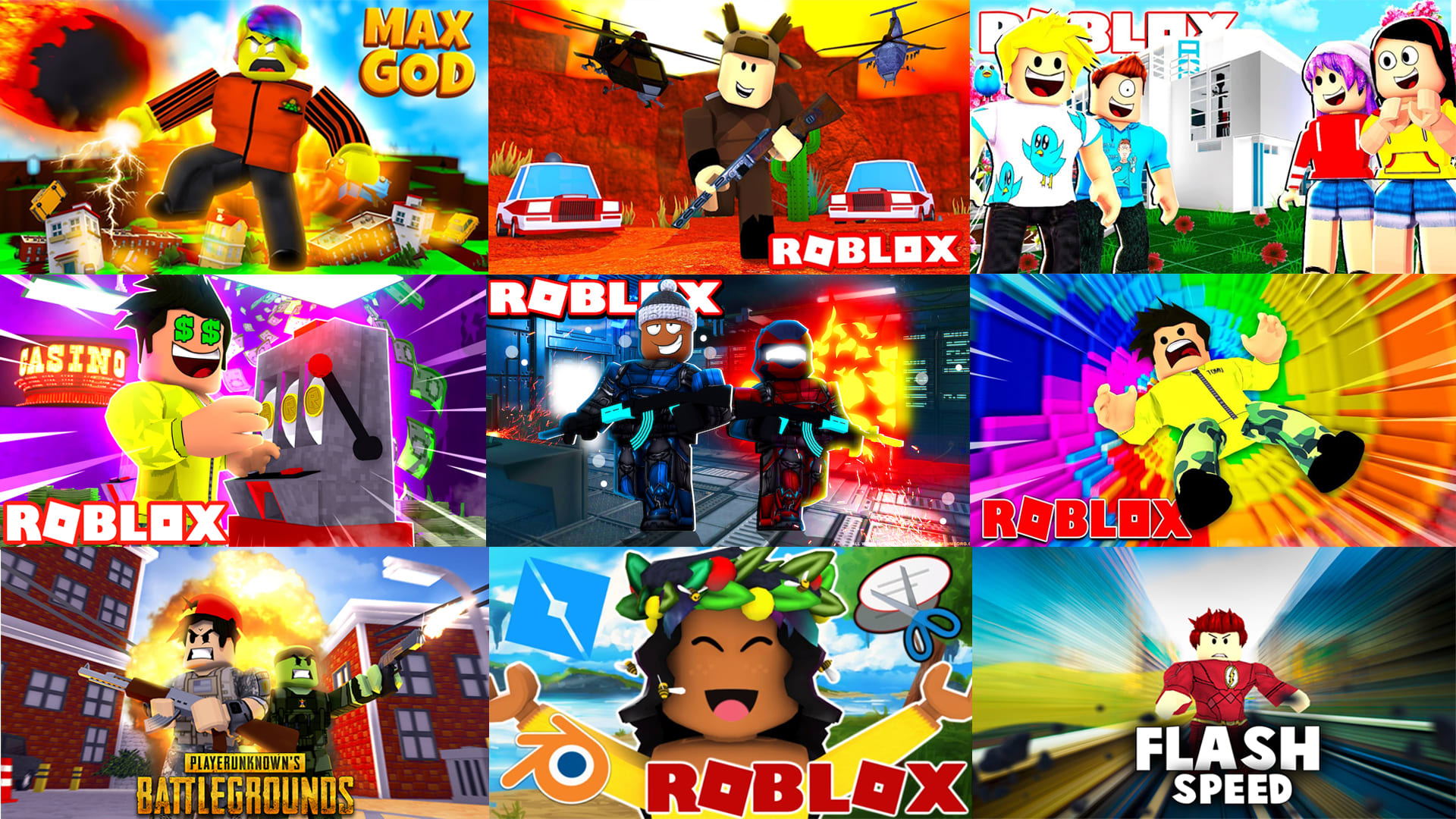

How I Make My Thumbnails Thumbnail Making Tutorial Roblox YouTube . HOW TO MAKE ROBLOX THUMBNAILS Beginner Friendly YouTube . HOW TO MAKE ROBLOX THUMBNAILS 2025 Guide YouTube . Optimize Your Roblox Thumbnail Template For Greater Visibility Make You A Hd Roblox Thumbnail Or Gfx . How To Make Roblox Gaming Thumbnails YouTube